The Model You Coordinated Last Week Is Already Out of Date
The Cost of a Stale Export
Your Revit model changed this morning. The corridor wall moved six inches. The ceiling type swapped from acoustic tile to drywall with a 1-hour fire rating. Nothing dramatic, just a normal Tuesday. But your coordination list is still sitting on last week's export. That gap between the model people are working in and the one you are checking is where rework starts.
The usual workflow is a snapshot. Export the model. Check it. Send the notes. Then the design changes. Re-export. Re-check. Re-send. It is a never-ending cycle of chasing scattered updates, and it eats about 11 hours a week just working out which version is current. When you coordinate against a model that is already out of date, you are not coordinating. You are guessing, and the field pays for the guess.

The fix is to compare against the live record. BidLight sits inside Revit and Navisworks and publishes straight from the model. When the wall shifts, the next publish shows it. No hunting through folders. No email thread. The difference between two revisions is a list you can read in minutes.
How a Version Diff Works Inside Revit
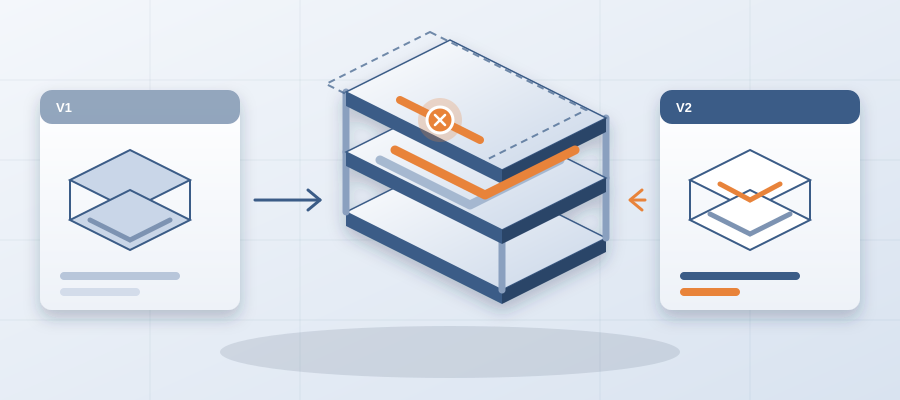
Every publish in BidLight becomes a snapshot with its own files, author and milestone. You pick any two revisions and compare them element by element. Walls, doors, ducts, conduits, everything that changed shows up, grouped by category: structural, MEP, envelope, interior.
That answers the question every coordinator asks on Monday: what is different since Friday? Instead of opening two models side by side and flipping between views, you read the change list. Nobody has to trust memory or a screenshot from a meeting last month. The big swings show up first, and the small ones that stop a crew do not hide.

The same list tells you who made each change. A wall type swapped in one discipline's model can quietly break a sleeve in another's. When the author and milestone sit next to the change, you know who to call.
A Direct Path From Model Change to Issue
The version problem usually comes down to one thing: time. Teams export, rename files, mark up PDFs and attach them to emails. Half the work is moving information between tools. Model changes should flow straight to an issue, with no step in between.
In BidLight, a change you spot in the diff becomes an issue pinned to the element. It carries the sheet and the revision it came from. You assign it, and the owner sees it in the 6am digest. The workflow is publish, compare, pin, close. No exporting to spreadsheets. No re-keying notes from a meeting.

For a team that delivers coordinated models to clients, this speed is useful. When a client asks what their layout change touched, you can answer from the diff in about 15 minutes instead of a 90-minute meeting. You stop sending status that is already out of date.
Closing the Loop With Proof
A change list on its own is not enough. Somebody has to act on each item, and somebody has to show it was done. Without that, the same problem comes back on site.
In BidLight, an issue can only close with proof. You need a screenshot, a tagged user and the linked model commit that delivered the fix. The resolution is checked against the model, not against someone's memory of a conversation.
That is also how you keep an honest score. The Problem Solver Index shows resolution rates per person, so you can see who is stuck and who is moving, without chasing.

A Typical Week, Before and After
Before: Monday, someone asks which model is current. Two people answer differently. A coordinator opens three files and compares views by eye. By Wednesday a meeting is called to sort it out. The notes go out Thursday, against a model that changed again on Tuesday.
After: Monday morning the 6am digest lists what each person owns. The coordinator opens the latest snapshot and compares it with Friday's. The change list is there, by category. Anything that touches an open issue is already linked to it, with the sheet and revision it came from. The meeting, if you need one, is short, because the argument about which version is current never starts.
That is the 11 hours a week many teams lose, given back to the work itself. It is also fewer surprises for the people on site, who build from the latest model and not from whatever file was attached to the last email.

What Is Behind, While There Is Still Time
Here is where this pays off on the job. When versions are clear and every issue has an owner, you find out who is behind while there is still schedule left to move work. You are not walking into the GC meeting three weeks after a slip began.
An unresolved clash can burn $15K to $50K a week in idle field labour. A clash caught in the model costs about $50. The difference is just when you saw it.
BidLight also does the work for you if your team is short on hands. Execution plans, 4D sequencing and fabrication detailing are available as done-for-you BIM services. You send the model, and the specialists handle the heavy lifting.

Stop chasing scattered updates. The model you coordinated last week is already out of date, but it does not have to stay that way. With BidLight, the record matches the model you are building, and everyone knows what they own.